More on Sets
There are a few more actions that can be performed on sets that are worth mentioning.
Downloading PDF Binders
You can download a single-PDF binder of all documents in the current set. The button to do so appears under More Actions at the end of the set's actions bar.
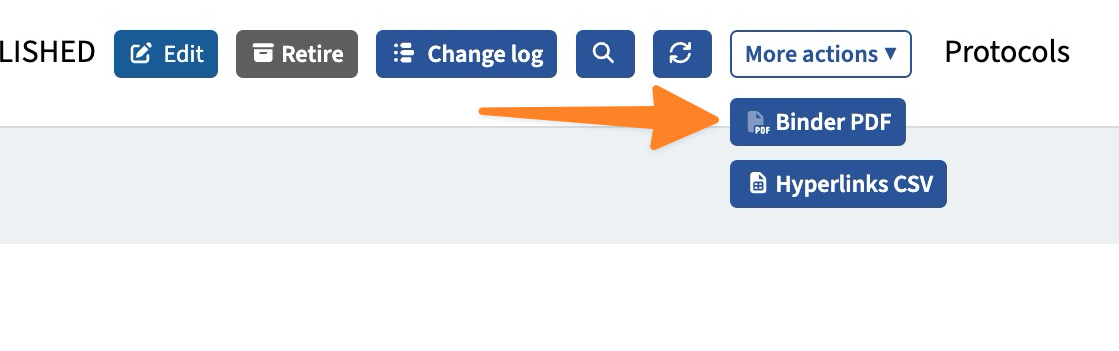
If it has been requested previously for that set, it will be available quickly. Otherwise, it will need to be generated. You will see the button update with a progress indicator while the binder is being generated. Once it's ready, it will download automatically.
Downloading Hyperlink Reports
Internal hyperlinking is supported for the documents of all agencies. In order for them to work in-app, they need to use a special URL format that looks like this:
https://www.acidremap.com/getSecurePDF.php?id=99999&uid=12345
Every document shows its hyperlink in the preview pane.

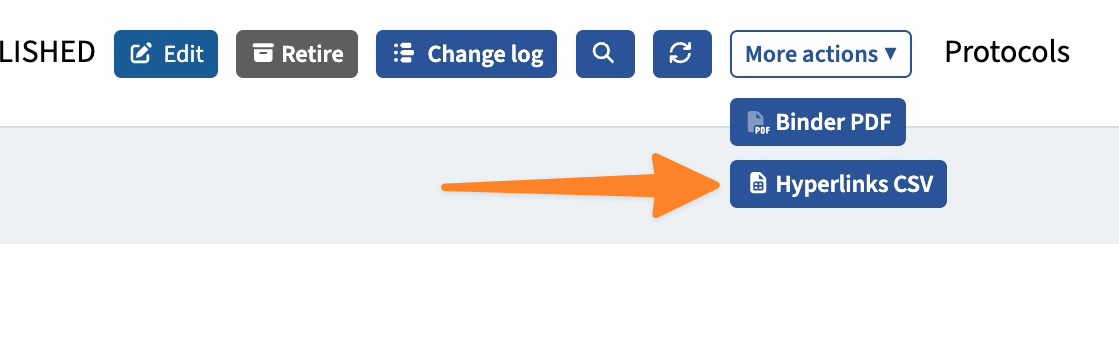
You can download a spreadsheet with all these hyperlinks for every document in the current set. The button to do so appears under More Actions at the end of the set's actions bar.
Viewing Public Website (if available)
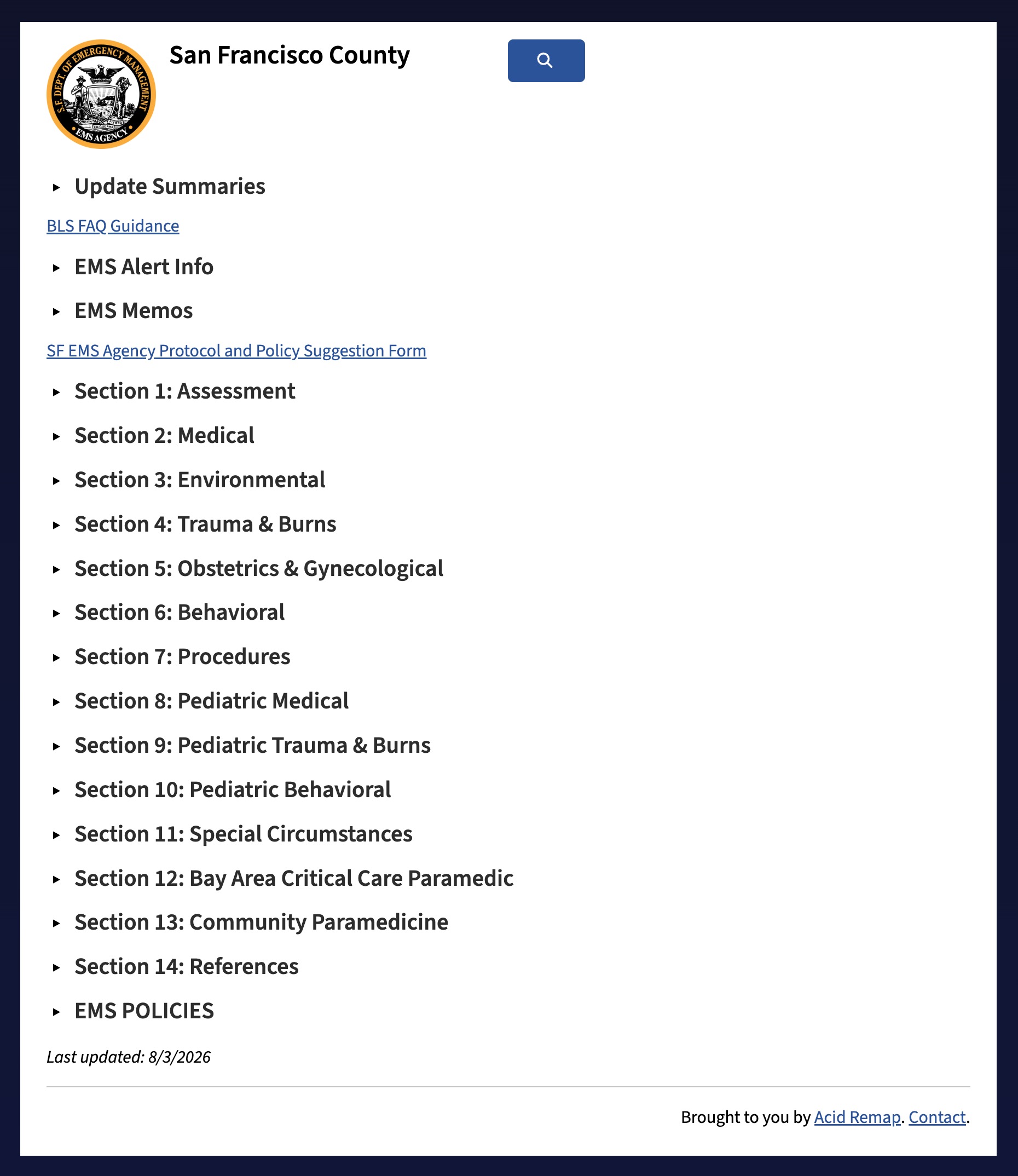
If your plan supports a public website, you can view it by clicking the globe button in the set actions bar. This will open that website in a new tab.
Please reach out if you're interested in a public website for your agency.