Using the Web Portal
The new web portal system will soon be available to all clients. This system is designed to give system administrators greater control over their content and users. After you create an account you will be directed to your Profile page.
Profile Page
The initial page for most users will be their profile page.
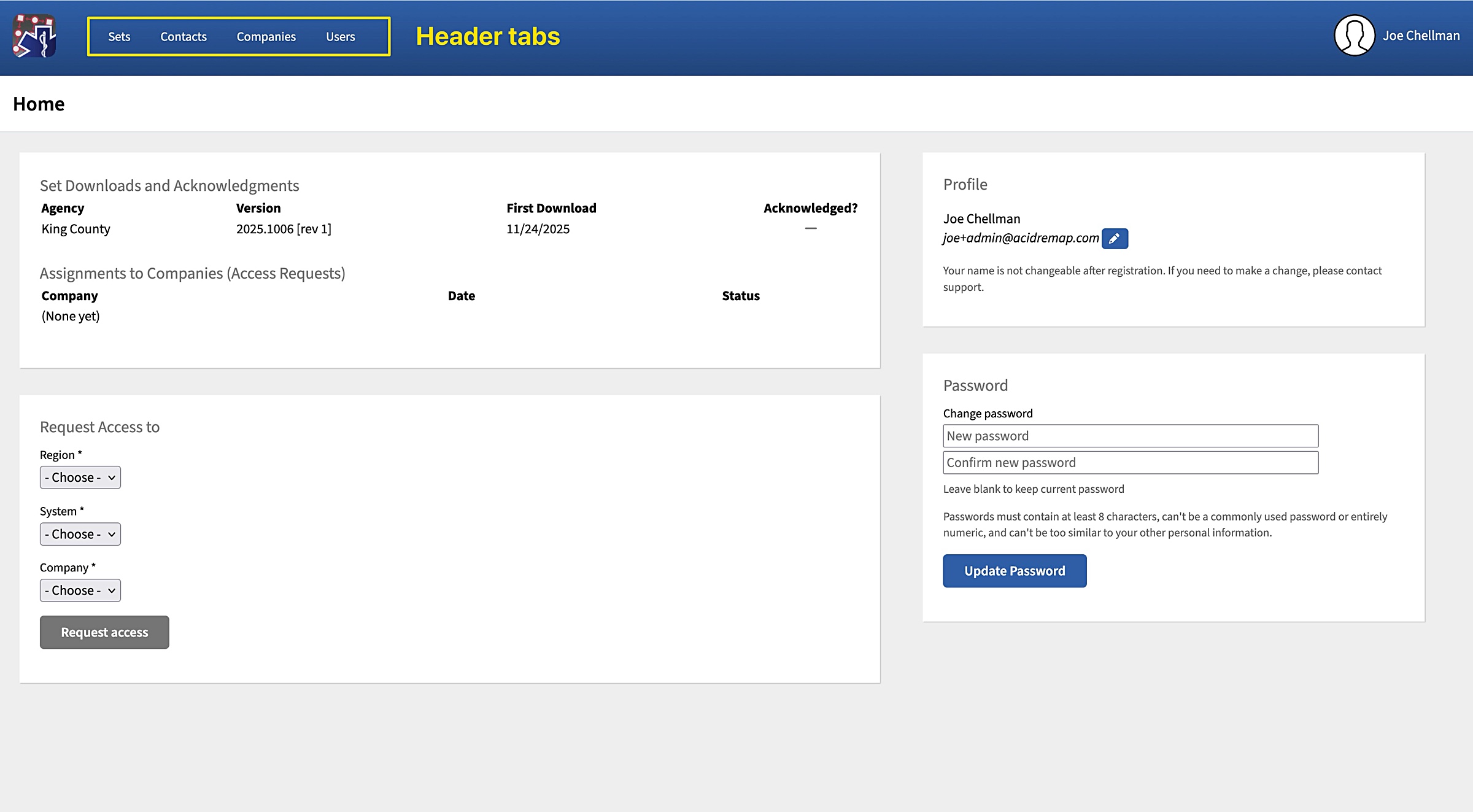
From this page, users can:
- Request access to your protocol documents, via the company they work for.
- See requests for access they've submitted for any companies
- See what sets they have downloaded, and those for which they've officially acknowledged receipt
- Change their password and email address
In the blue bar on top you will see four Header Tabs, “Sets,” “Contacts,” “Companies,” and “Users.” We will go through each of these pages and what you can do on them in the following sections.
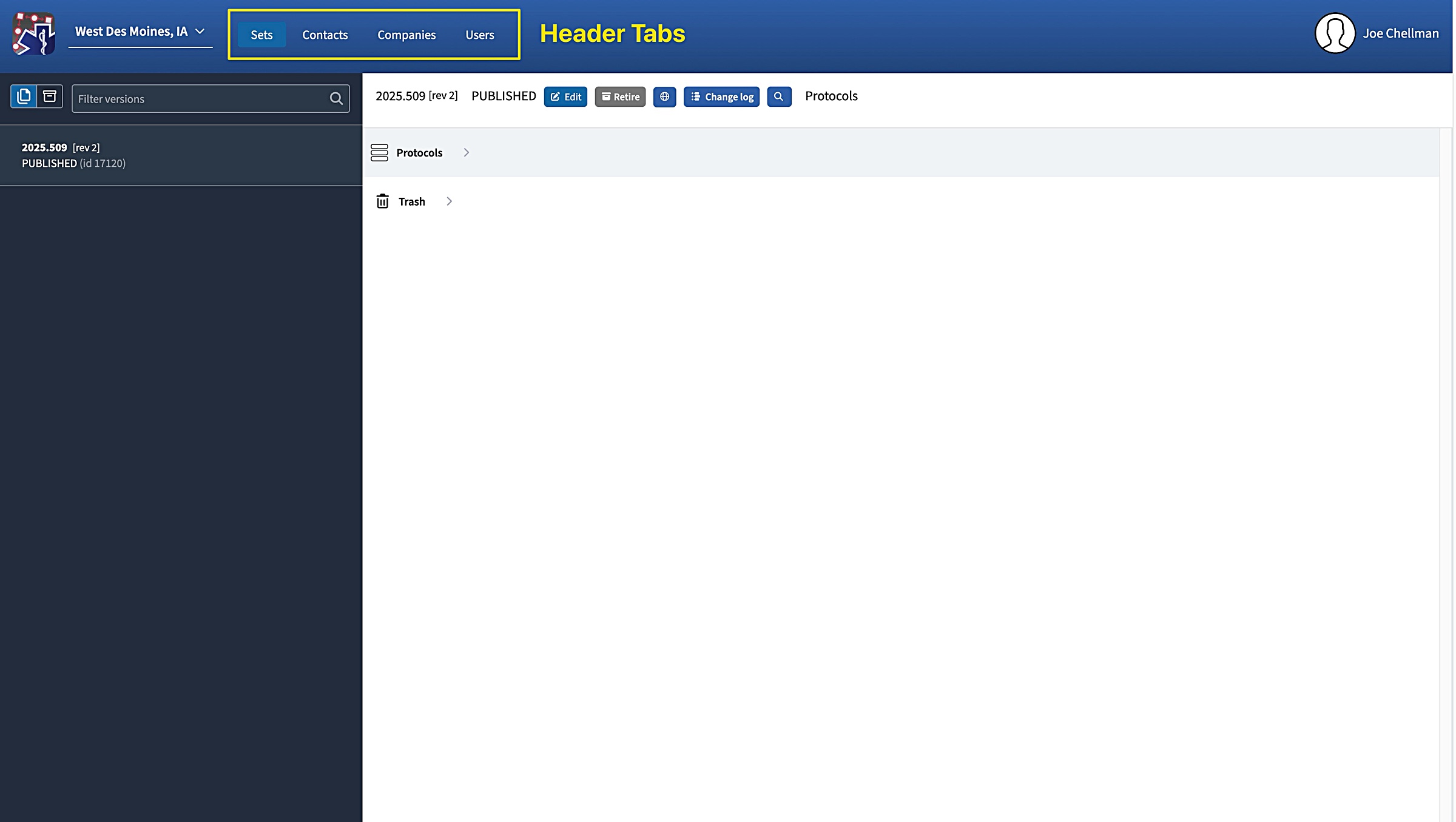
For an explanation of each of the header tabs, click the links below.